1USDT = 4.08MYR
Home Knowledge Base FAQ

Frequent Ask Question (FAQ)

Discover & Learn how to play.

How to Register

Register to be an agent, collect payments, add funds to your balance, and issue withdrawals for players – or build your own agent network and receive a commission.

1

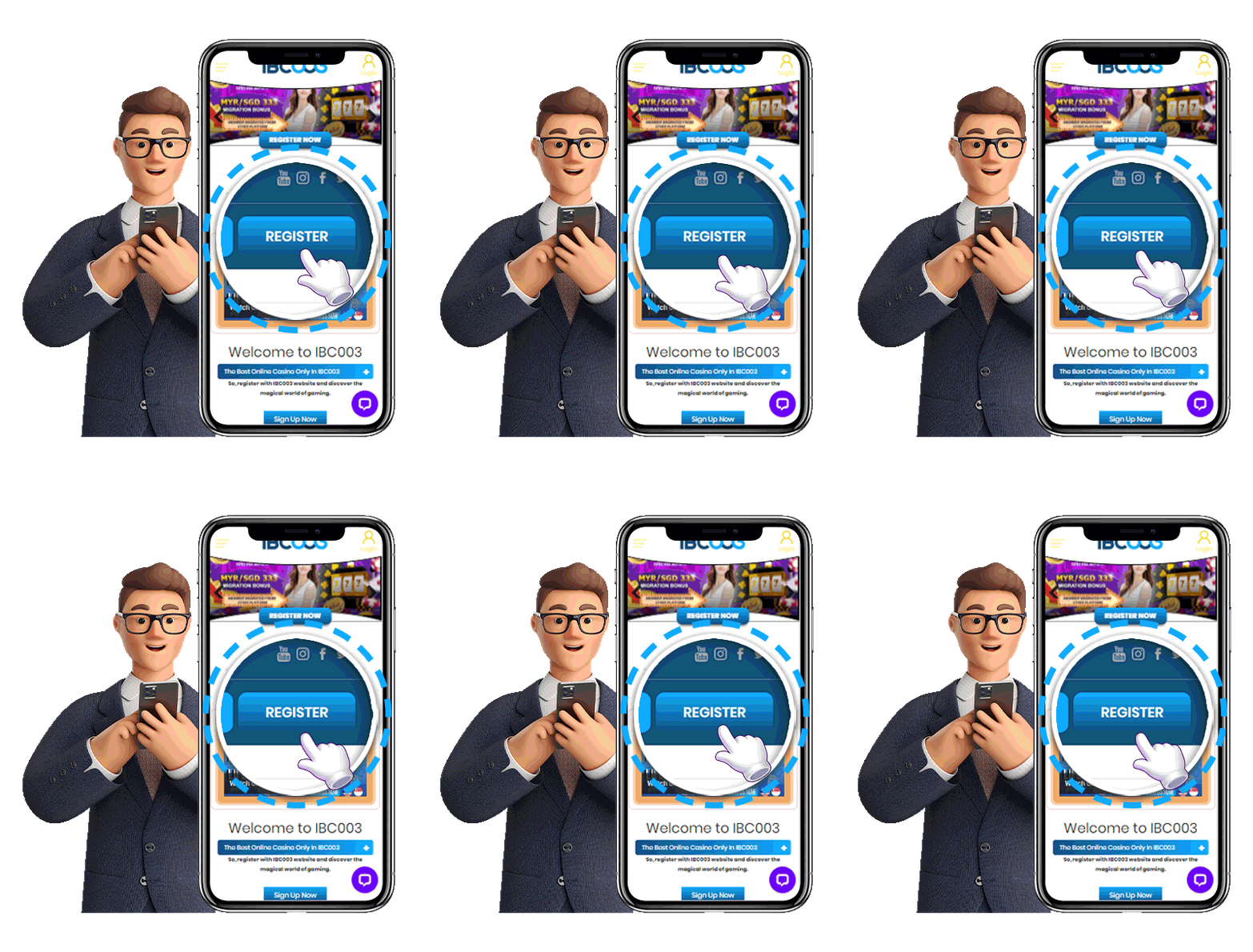
Click Register

  • Go to the homepage.
  • Click the Register button.
2

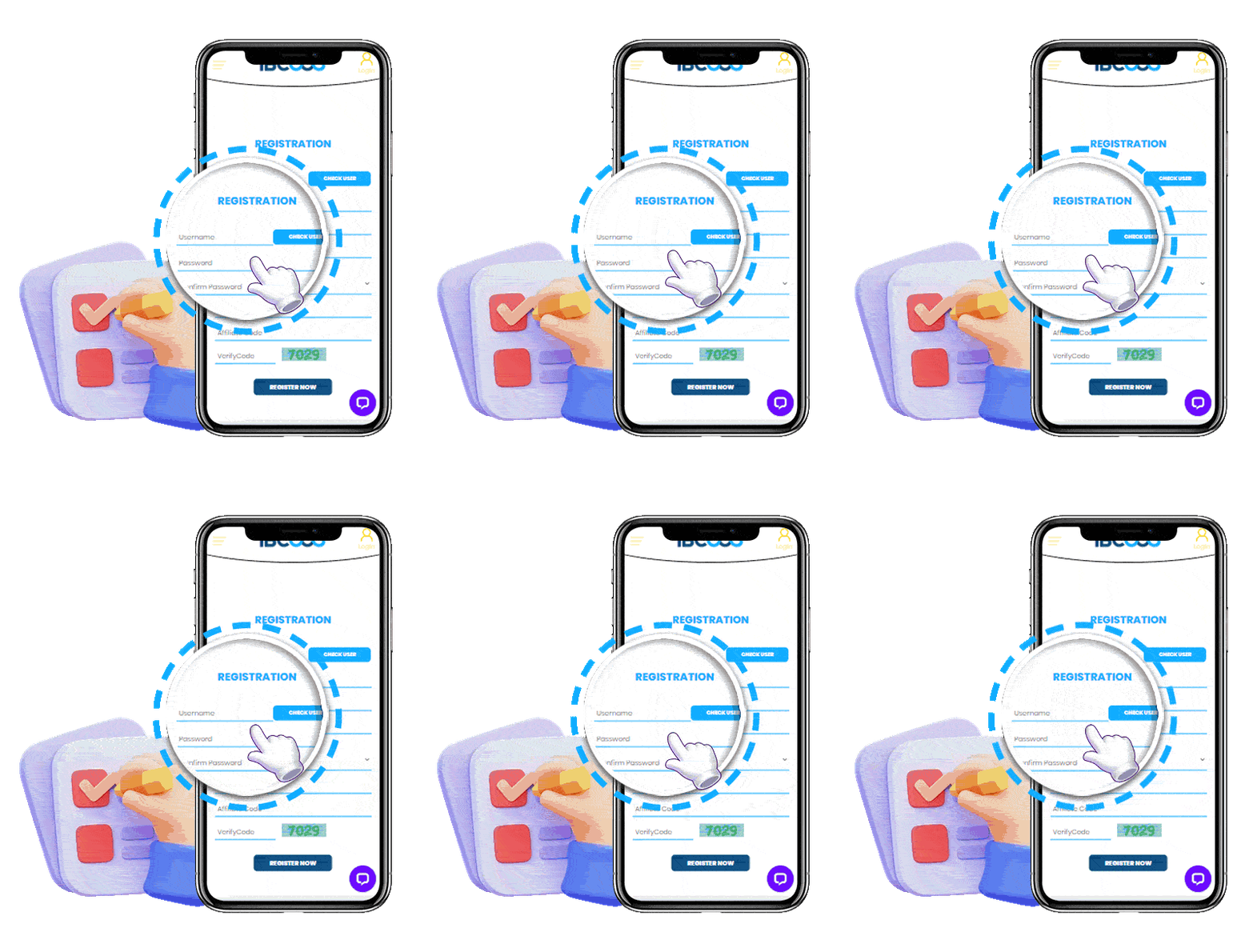
Fill in Your Details

  • Enter username.
  • Create password.
  • Fill your phone number.
  • Submit the form.
3

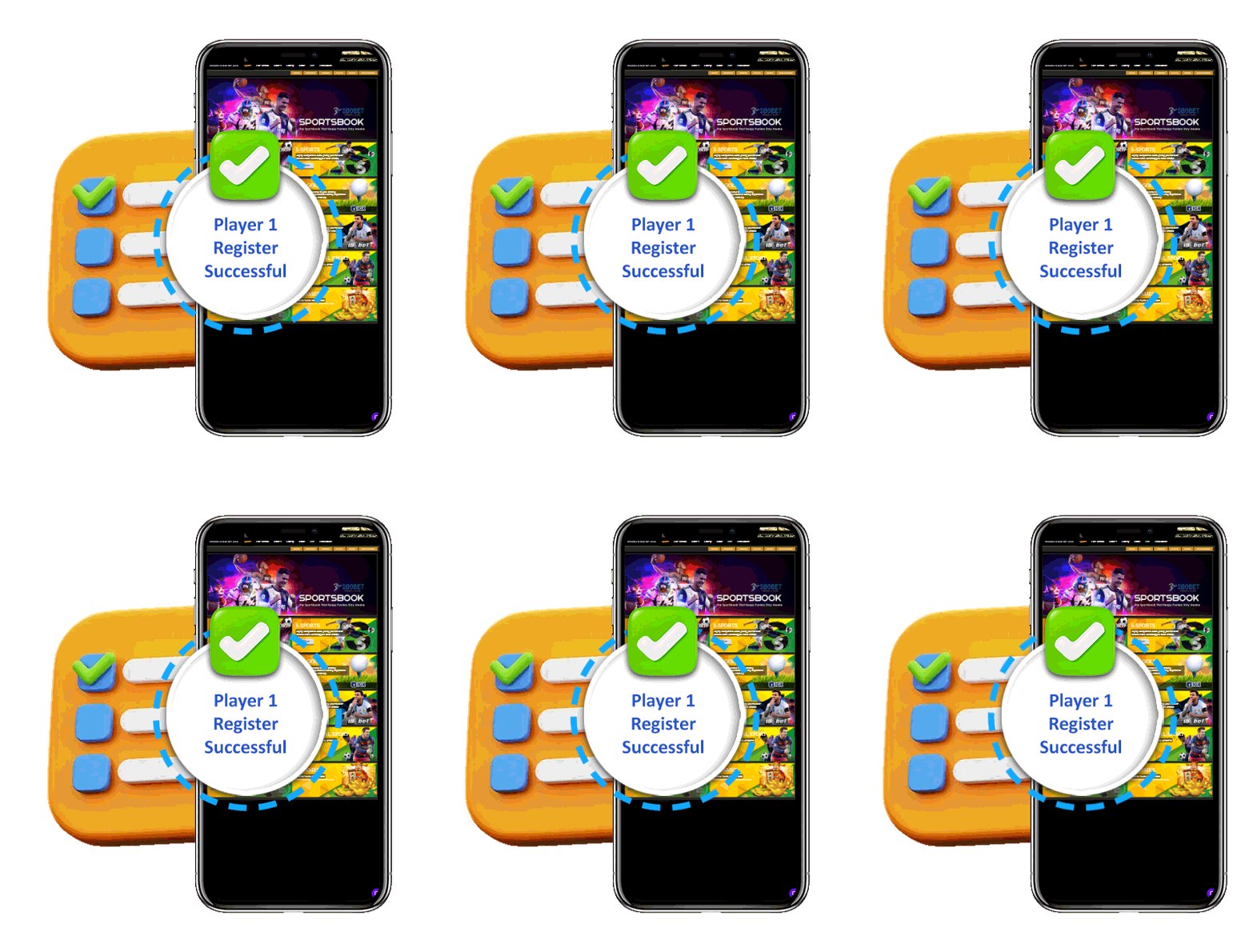
Registration Successful

  • Your account has been created.
  • Login and start playing.

Important Notes

Please ensure that your account information is accurate and that you have not previously claimed a new member promotion on another account. Duplicate accounts, fraudulent activity or bonus abuse may result in disqualification from promotional rewards.

How to Download

Download the IBC003 app in just 3 simple steps.

1

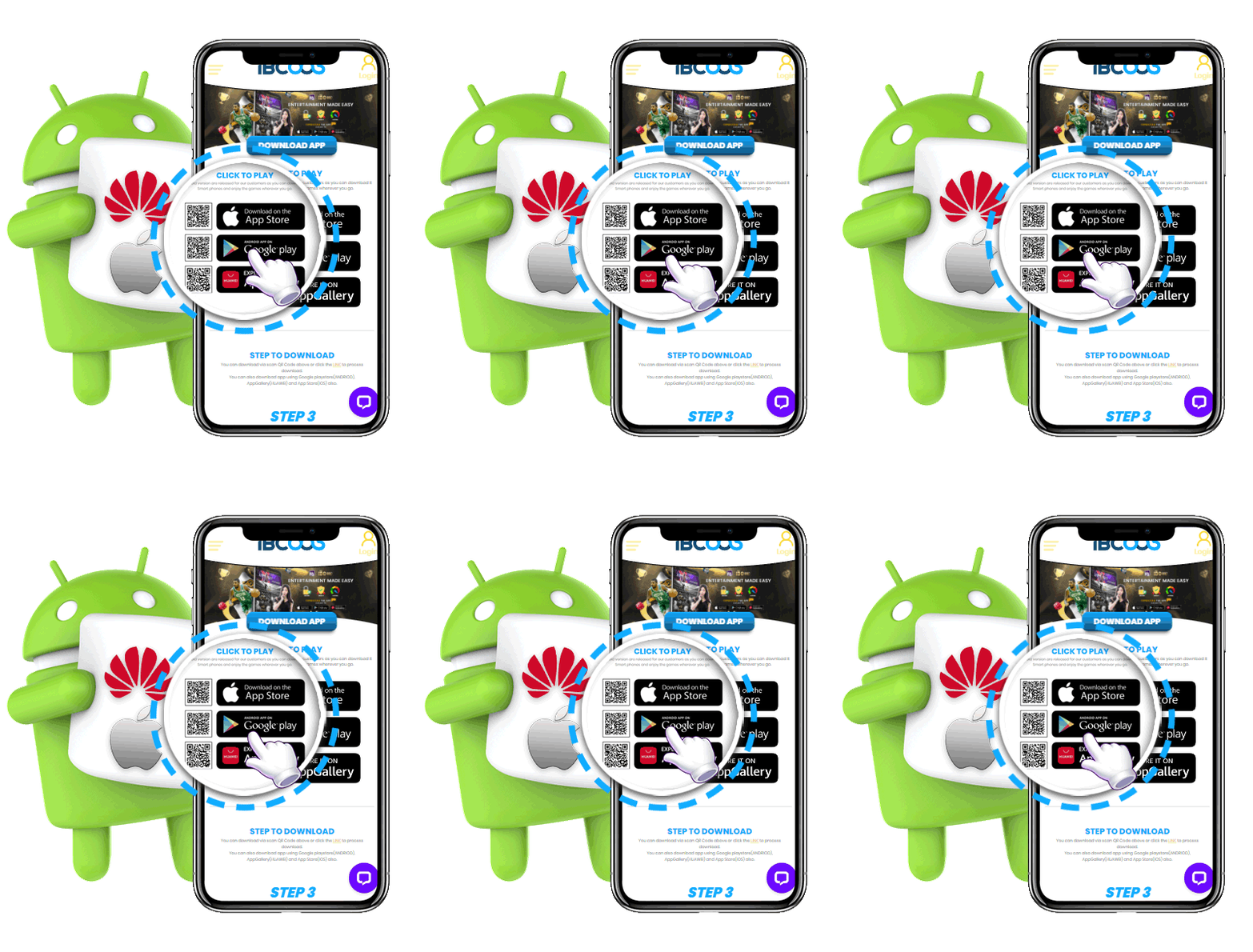
Select your preferred application store.

  • Apple App Store (iOS).
  • Google Play (Android).
  • Huawei AppGallery (Huawei).
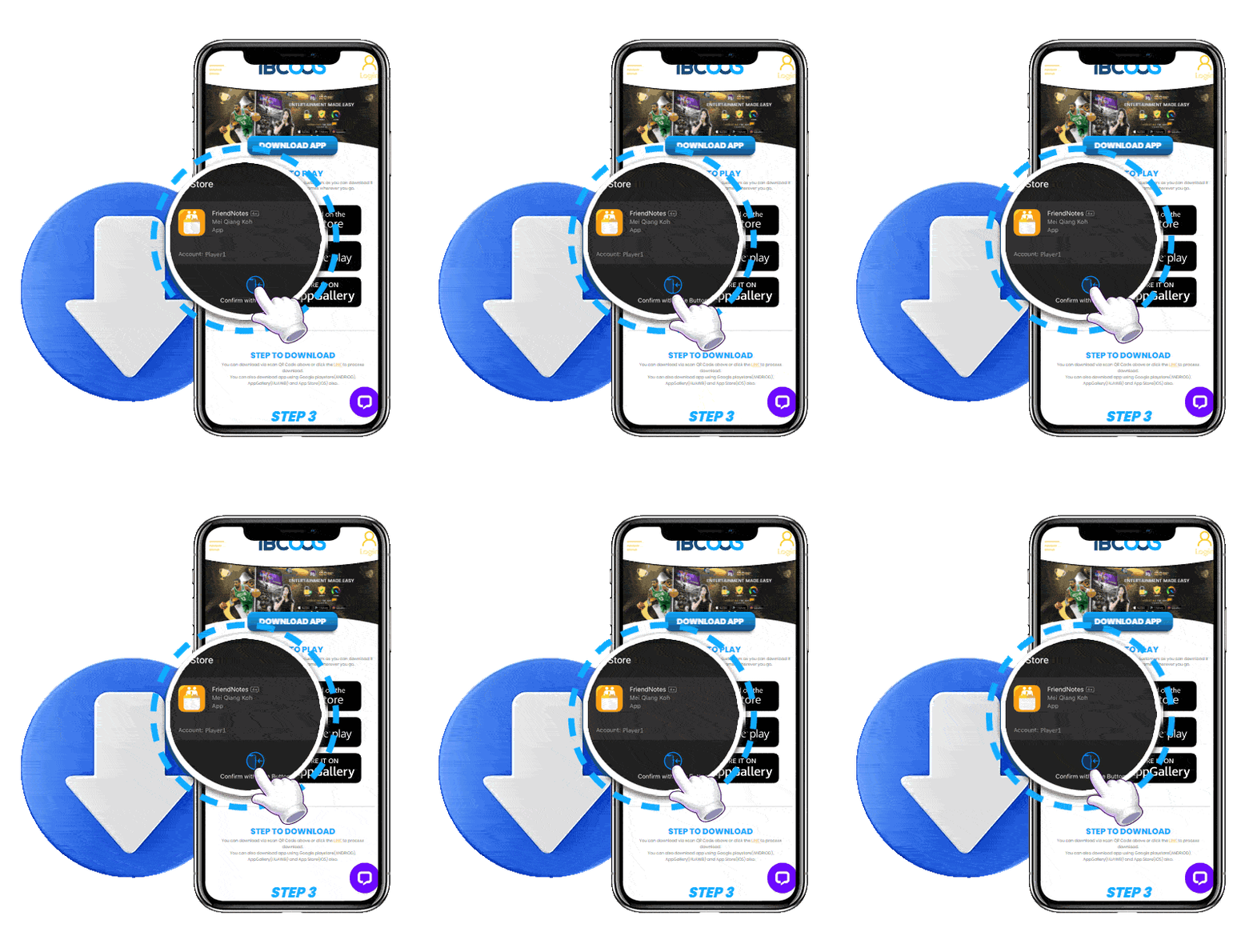
2

Download & Install

  • Tap "Install" to begin downloading the application.
  • Download starts automatically
  • Wait until installation is complete.
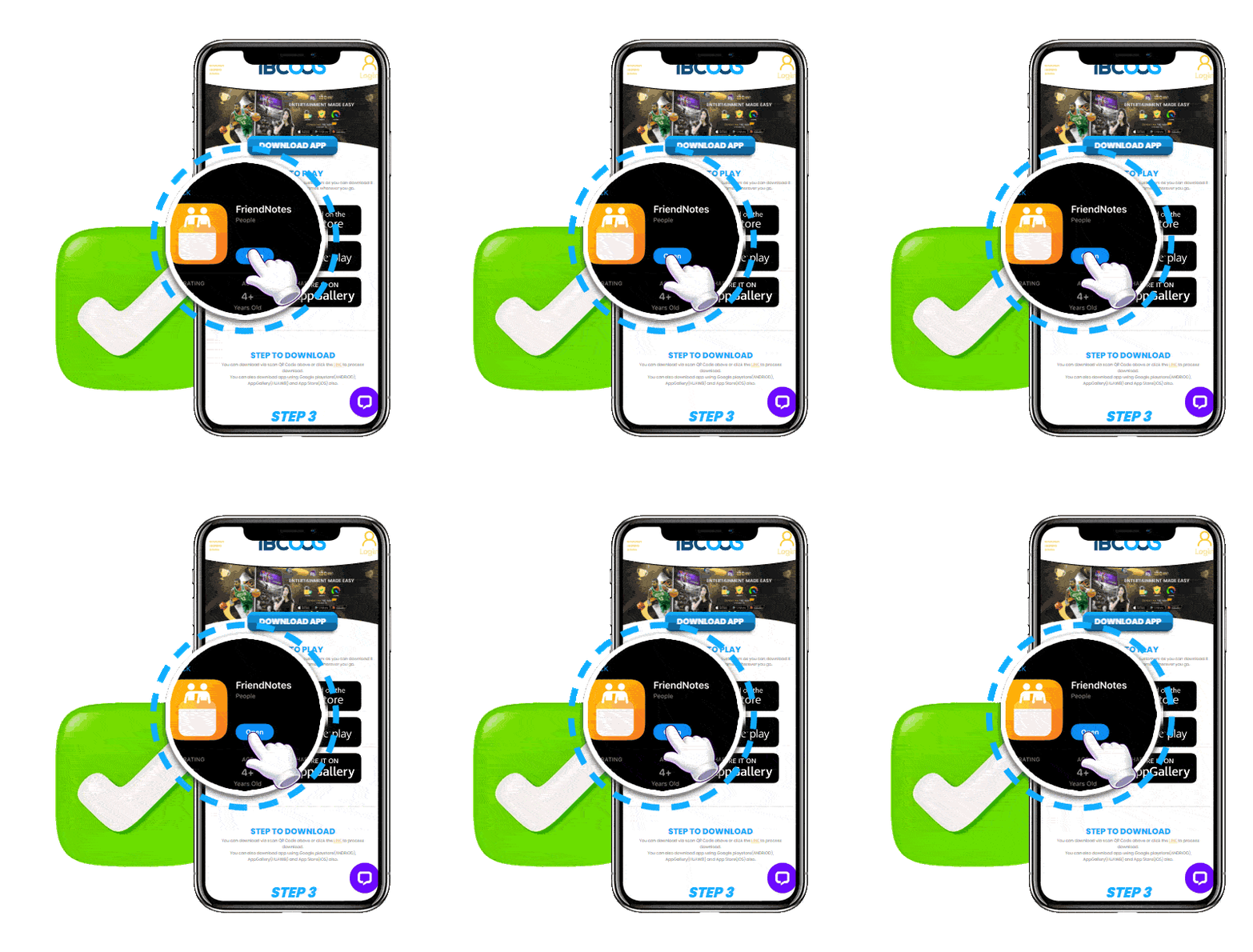
3

Open the App

  • Launch the application and log in.
  • Enter your account.
  • Start playing.

Important Notes

Please ensure that your account information is accurate and that you have not previously claimed a new member promotion on another account. Duplicate accounts, fraudulent activity or bonus abuse may result in disqualification from promotional rewards.

How to Topup

Deposit funds into your account by following these 6 simple steps.

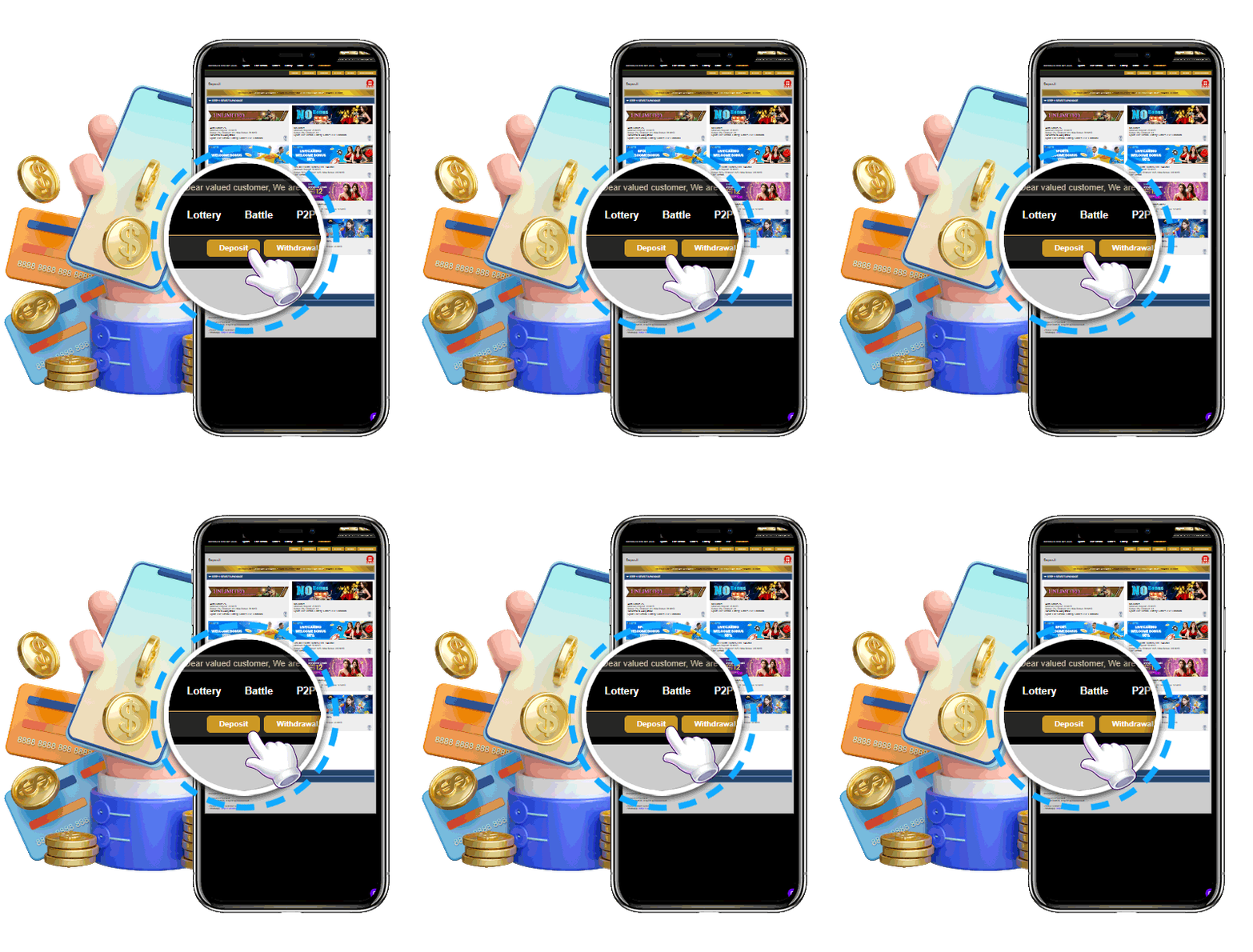
1

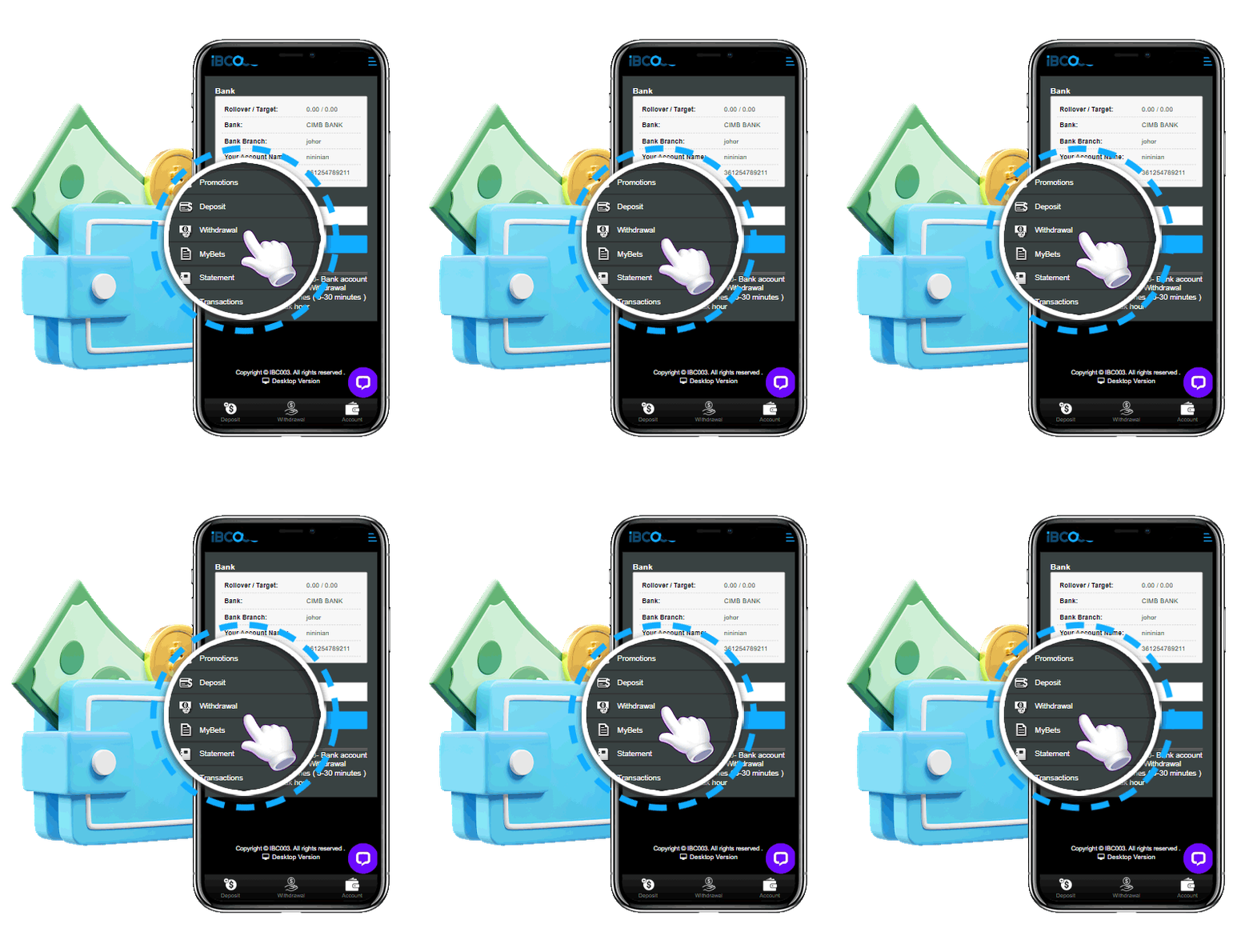
Open Deposit

  • Go to the Deposit page from your account.
  • Login to your account.
  • Click Deposit.
2

Select Package

  • Choose your preferred deposit package or promotion.
  • Select your package
  • Continue to the next step.
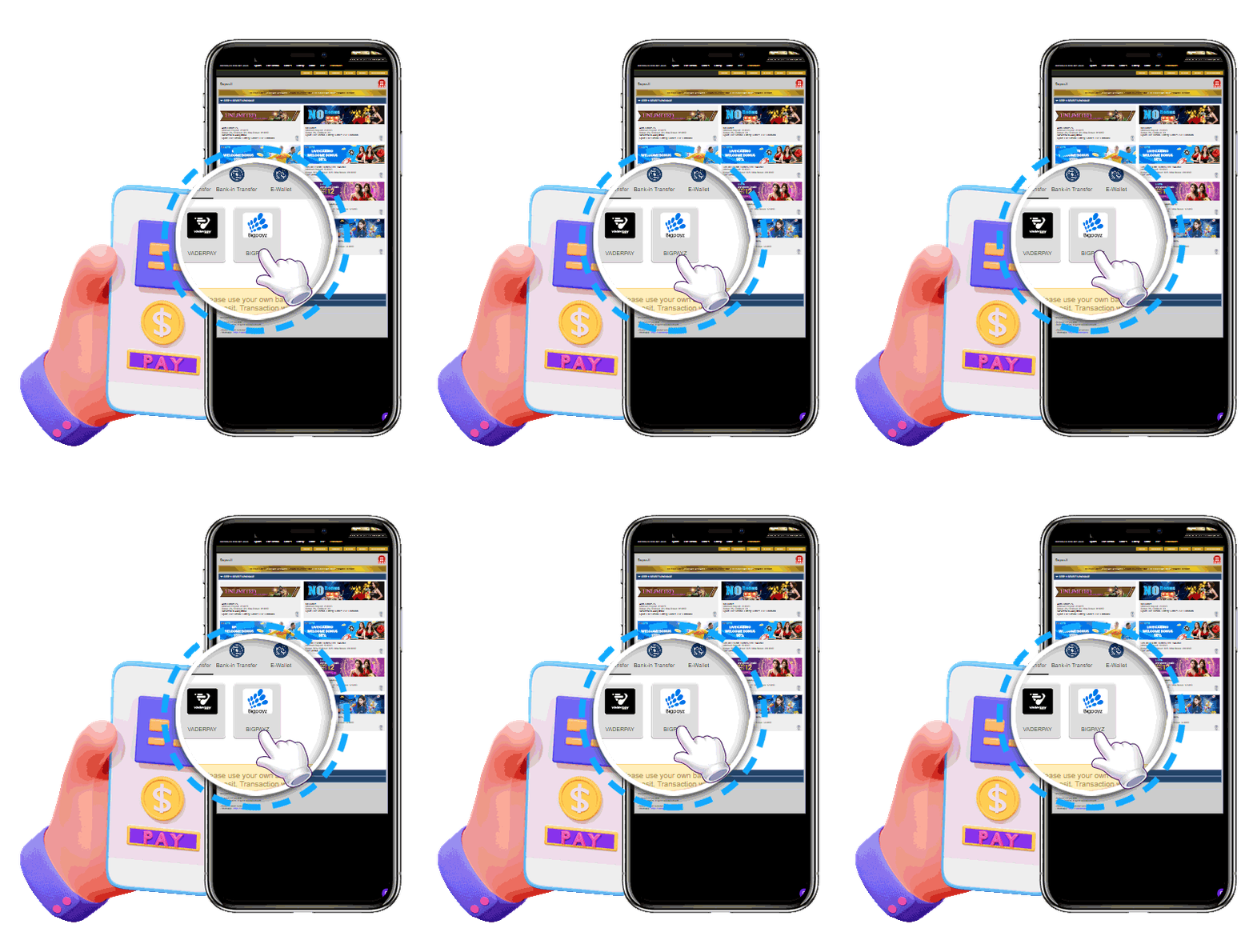
3

Choose Payment Method

  • Select your preferred payment method.
  • Online Banking
  • E-Wallet
  • Crypto
4

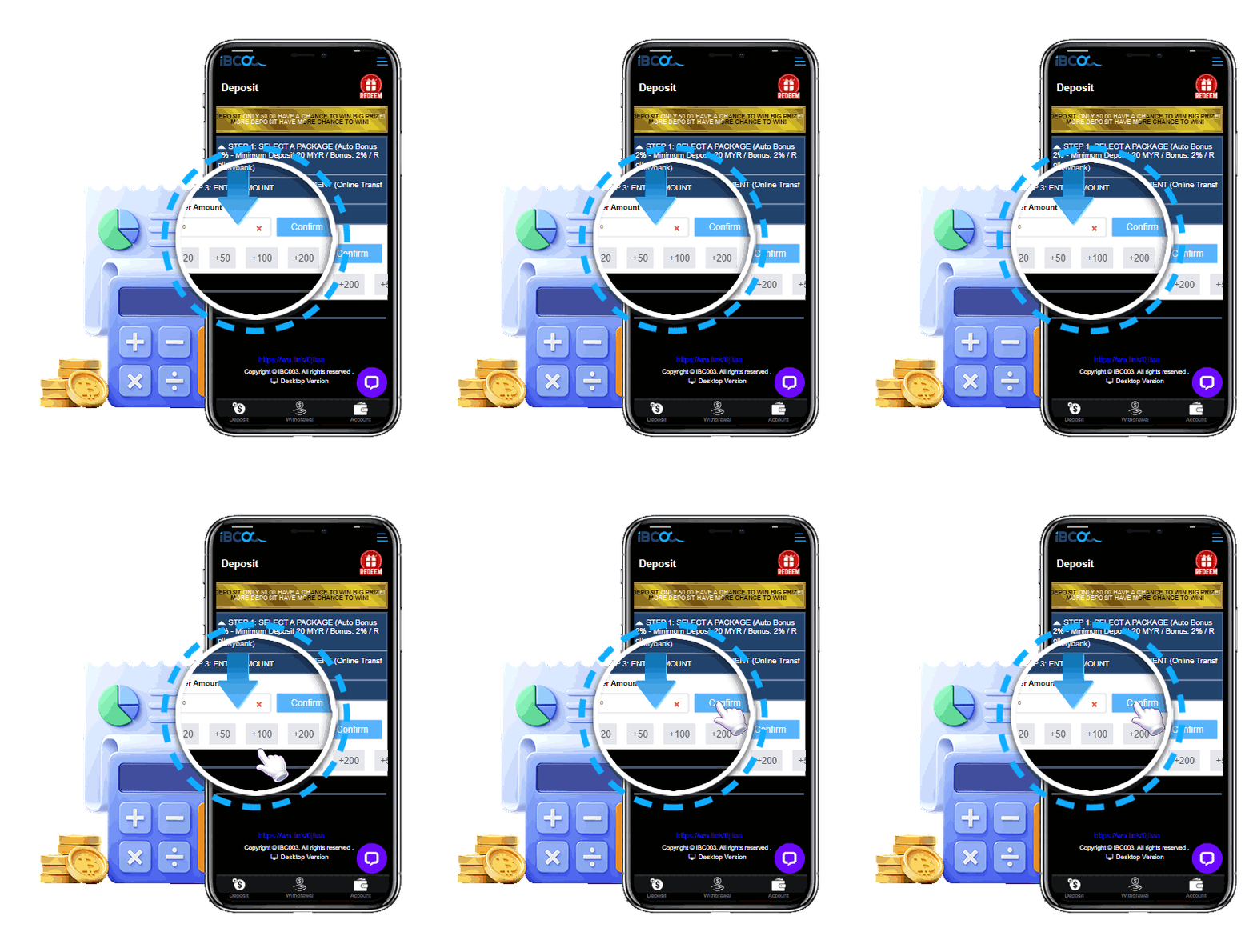
Enter Deposit Amount

  • Fill in the deposit amount and submit.
  • Enter the amount
  • Confirm the transaction
  • Proceed with payment
5

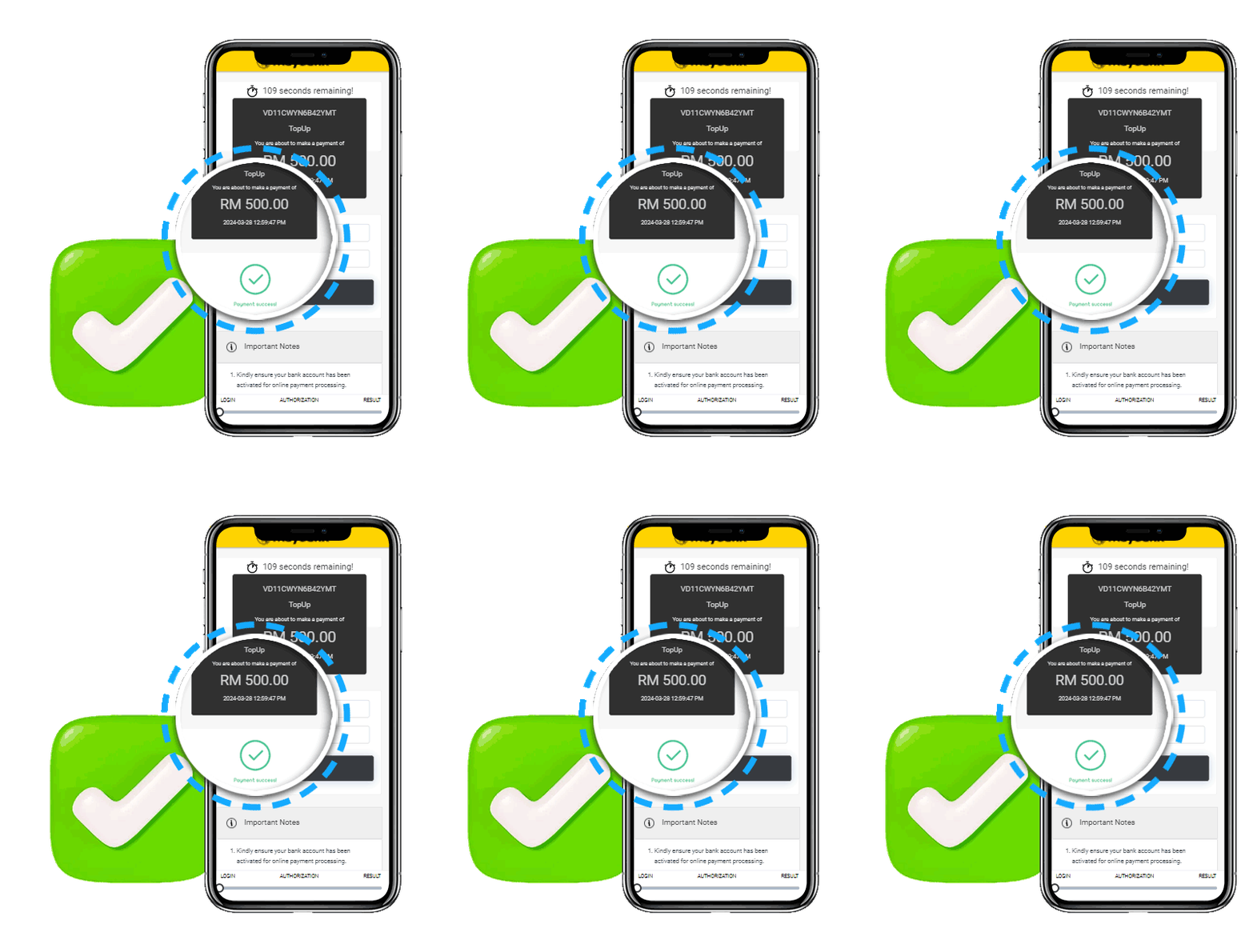
Deposit Successful

  • Your deposit has been successfully processed.
  • Payment completed
  • Balance updated
  • Ready to play
6

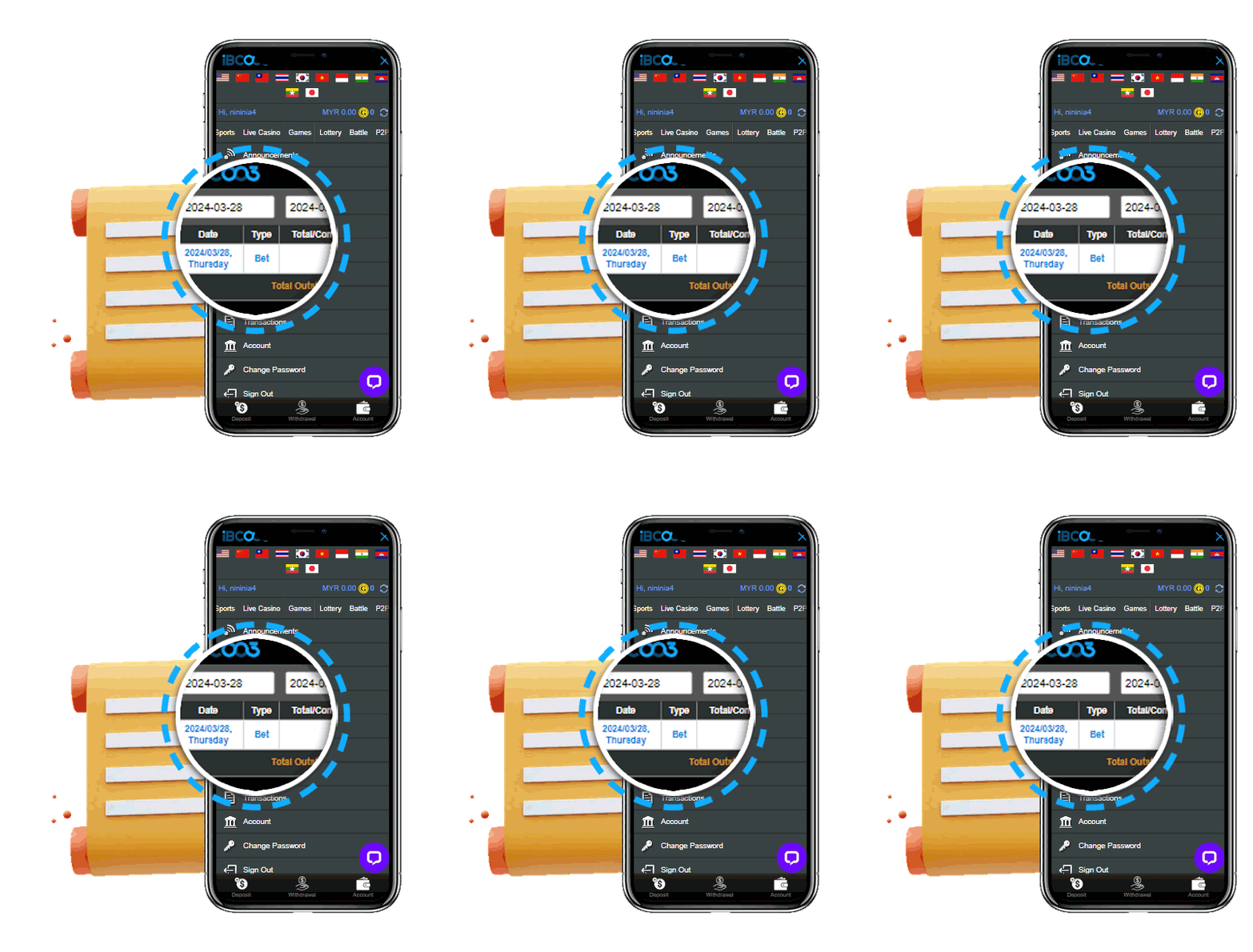
Check Transaction Record

  • Review your deposit history anytime.
  • Open Transaction History
  • Verify your deposit status
  • Download receipt if required

Where can I find information on available bonus offers and promotions?

Our Welcome offers are available to newly registered players after making their first deposit. To claim any bonus, certain conditions must be met; therefore, we advise that you check the Terms & Conditions under the desired offer on our Promotions page.

Important Notes

Please ensure that your account information is accurate and that you have not previously claimed a new member promotion on another account. Duplicate accounts, fraudulent activity or bonus abuse may result in disqualification from promotional rewards.

Do all games contribute the same towards the wagering requirement?

Most games will contribute towards the wagering requirement. However, some games will contribute more than others.

These are described in detail in our Terms & Conditions.

Important Notes

Please ensure that your account information is accurate and that you have not previously claimed a new member promotion on another account. Duplicate accounts, fraudulent activity or bonus abuse may result in disqualification from promotional rewards.

How/when can I exchange my Loyalty Points?

Once you reach a total of 100 Loyalty Points, you will be able to exchange them for bonus money.

To do that, visit the relevant page on your profile and select the number of points you wish to exchange.

Important Notes

Please ensure that your account information is accurate and that you have not previously claimed a new member promotion on another account. Duplicate accounts, fraudulent activity or bonus abuse may result in disqualification from promotional rewards.